My File Explorer Got a Minecraft Makeover, and Now I’m Sharing the Secret
I was just scrolling through Reddit the other day—one of those lazy afternoons where you're nursing a coffee and looking for some inspiration—when I stumbled upon a post that stopped me in my tracks. Dalpipo, a Minecraft fanatic just like me, had shared these absurdly cute, custom folder icons for Windows File Explorer, all based on the mobs and blocks from the game. I mean, we’re talking about tiny little Creeper faces replacing your default folders, or a note block for your music stash. How could I not dive right in?
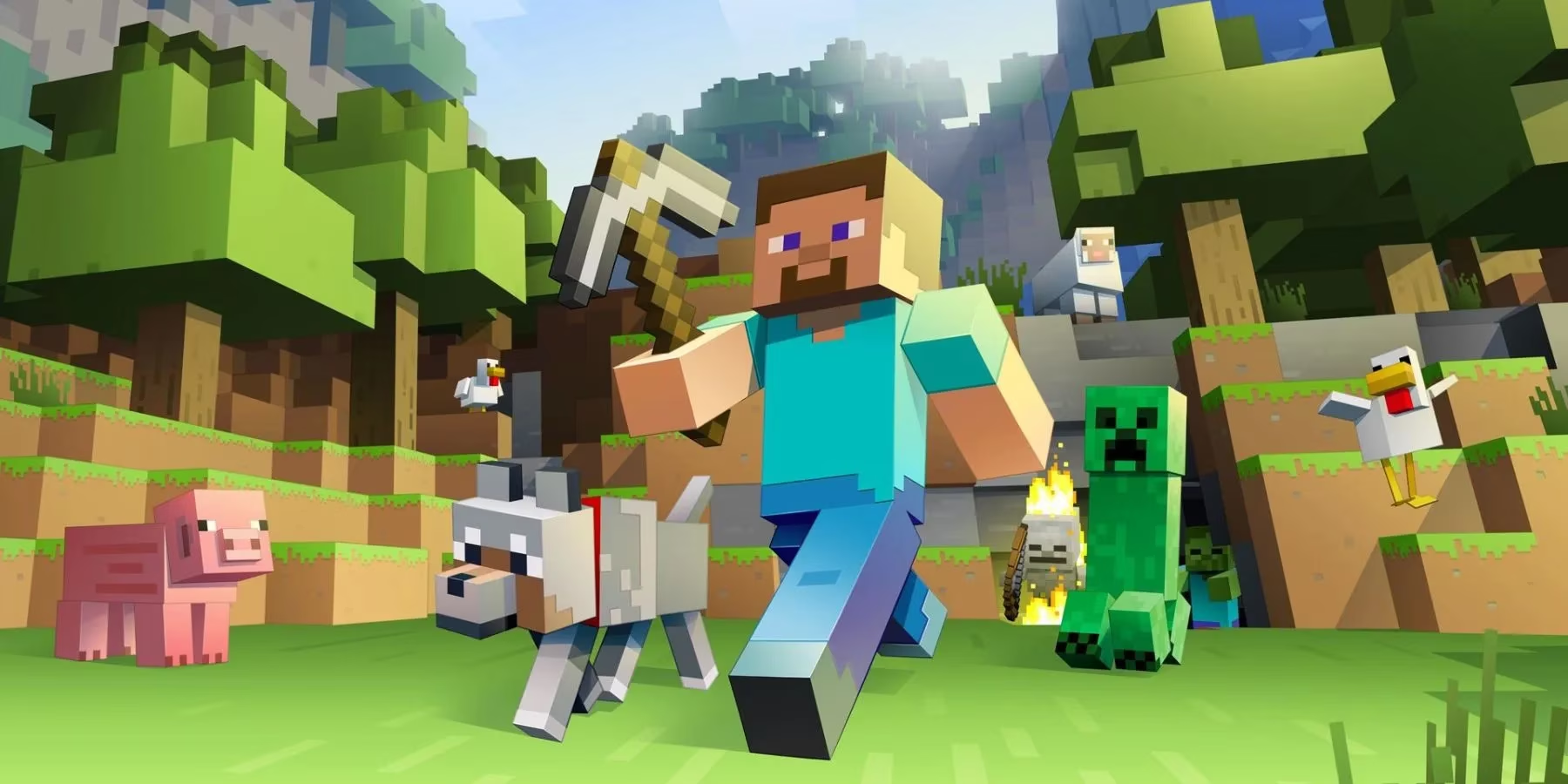
Now, I’ve been playing Minecraft since the beta days—way back in 2011, when it was just a quirky indie gem that nobody thought would take over the world. Fast forward to 2026, and here we are, 15 years later, still building, crafting, and modding like there’s no tomorrow. And this little discovery? It’s like a love letter to that enduring creativity. I gotta hand it to the Minecraft community—they never cease to amaze me. These icons aren’t just decorations; they’re a whole vibe. The moment I swapped out my boring yellow folders for the Enderman or the grass block ones, my desktop felt… cozy. Like a digital campfire.
Dalpipo thought of everything. The music note block is perfect for your MP3 collection—no more trying to remember which generic folder holds your playlists. I set my work documents into a crafting table icon, because, well, that’s where the magic happens. Game clips? Diamond sword, obviously. Even my cat videos get a special home with the ocelot icon. It’s these little touches that make your PC feel like an extension of your Minecraft world. Honestly, even if you're not a tech wizard, you can pull this off. The user shared a quick and dirty guide on Reddit—just a few clicks in Windows 11’s customization settings. Right-click a folder, choose ‘Properties,’ swap the icon, and boom! Your file explorer looks like a cozy Minecraft world. No complex coding, no risky registry edits. It’s a breeze, I swear. I had my entire library decked out in under ten minutes, and I’m the kind of guy who still struggles with smart home setups.
Here’s a little system I cooked up for my own folders:
| Folder Purpose | Icon Used | Why? |
|---|---|---|
| Music | Note Block | It’s literally made of music! |
| Work Documents | Crafting Table | Where I craft my reports. |
| Game Clips | Diamond Sword | Sharp highlights from my raids. |
| Cat Videos | Ocelot | Fitting for my furry friends. |
| System Files | Creeper | Ironic, since they explode… |
But half the fun is mixing and matching—there’s no wrong answer when you’re decorating your digital digs with Minecraft love.
What really gets me, though, is how Minecraft keeps spurring this kind of creativity after all these years. I remember when the game first dropped; it was all about survival and simple builds. Now, in 2026, Mojang is still rolling out updates that make the world feel fresh. Just last month, they teased the ‘Skybound’ update, letting players build floating islands with new gravity-defying mechanics. The modding scene is eating it up, and I bet we’ll see themed icon packs popping up for that soon. Even beyond these folder icons, I’ve seen in-game builds that replicate entire cities, like that one player who recreated King’s Landing from Game of Thrones block by block. Others bring the game into the physical world with pixel art or functioning Redstone contraptions. But there’s something intimate about these folder icons—they’re a daily reminder of why we all fell in love with this blocky universe.
Minecraft’s openness to mods has always been its secret sauce. Back in 2024, when the reference article was written, modders were loving the 1.21 update for its ease of use. Now, with the ‘Starlight’ modding framework rolled out in 2025, customization is smoother than ever. Data packs, shaders, and texture overhauls fill the community forums, and dalpipo’s icons feel like a natural extension of that tinkering spirit. It’s not about big, flashy innovations; it’s about those tiny, thoughtful touches that make your digital life a little more yours. I remember trying out a shader pack that made the water look so real I could almost swim in it—that same joy hits me every time I see my crafting table folder glowing on screen.
As a professional gamer, I spend way too much time tweaking my rig, and these icons are a small but mighty upgrade. After a long day of grinding in competitive matches, seeing that friendly little pig icon when I open my files? It’s a tiny dose of joy. Minecraft has this uncanny ability to feel like home, even outside the game. The files are up for download on GitHub—just a quick search for dalpipo’s repository—and the installation guide is straightforward. In a time where games come and go, Minecraft remains a constant, a sandbox where our imaginations run wild. And these folder icons? They’re proof that the love affair isn’t cooling down anytime soon. Now, if you’ll excuse me, I’m off to craft a new folder for my 2026 gaming highlights—I’m thinking the Ender Dragon icon will do the trick.
Comments Area